
 Written by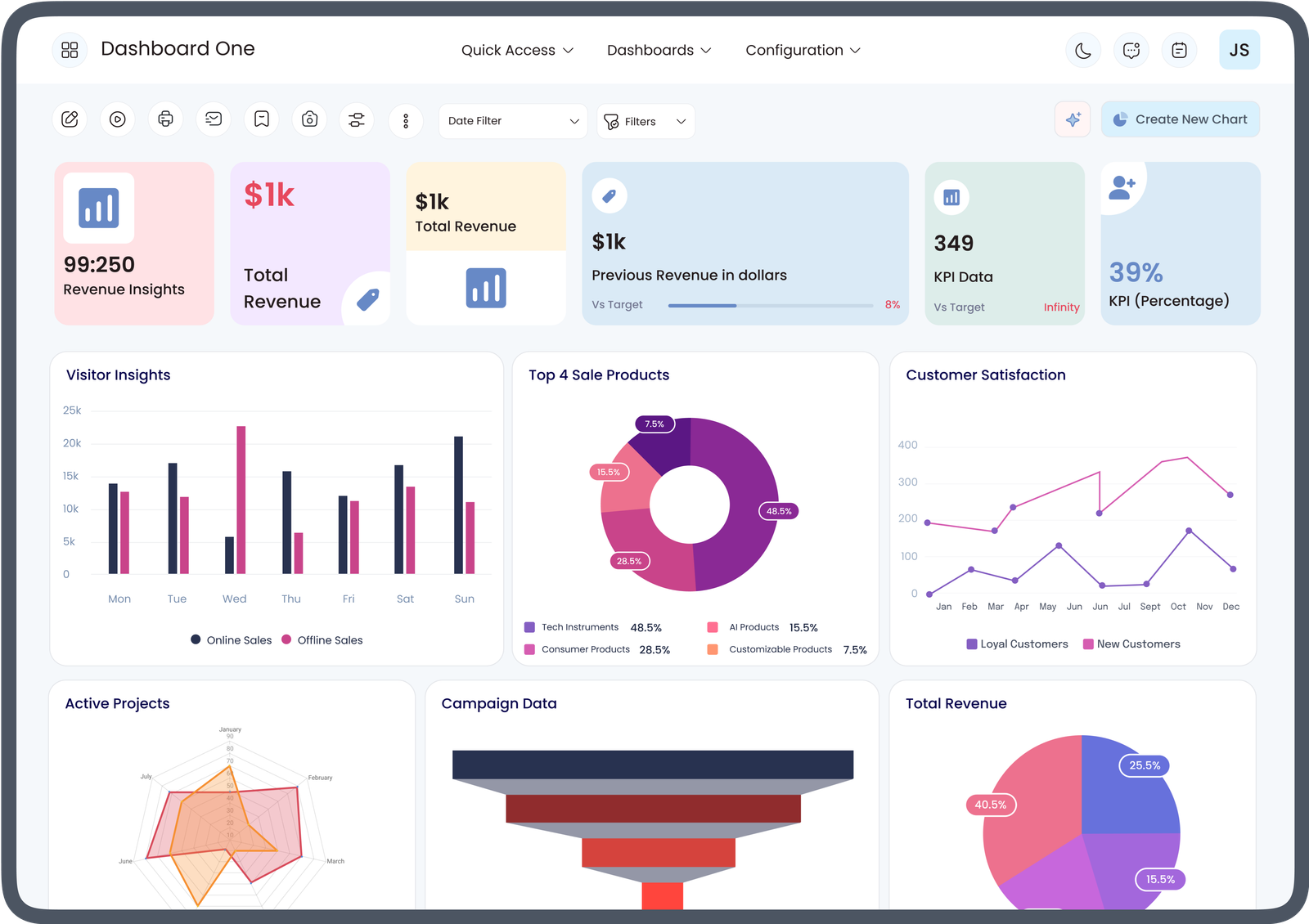
If you’re exploring business management software, you may already know how Odoo dashboards work for beginners and why they are useful for tracking business performance. However, understanding Odoo dashboards pricing is equally important before implementing the platform. As a beginner, you need to know what affects the cost, what features are included, and how different pricing options align with your business needs.
This guide explains everything beginners should know about Odoo dashboard pricing while also providing a simple overview of dashboard functionality.
What Are Odoo Dashboards?
Odoo dashboards are visual reporting tools that display business information in an easy-to-understand format. Instead of reviewing lengthy reports, users can monitor important business activities using graphs, charts, tables, and key performance indicators (KPIs).
These dashboards help users monitor operations in real time and make informed business decisions.
Businesses commonly use Odoo dashboards for:
- Sales performance
- Inventory management
- Accounting reports
- Customer relationship management (CRM)
- Manufacturing
- Human resources
- Project management
- Marketing performance
Because all business data is presented visually, managers can quickly identify trends and areas that require attention.
How Odoo Dashboards Work for Beginners
Understanding how Odoo dashboards work for beginners starts with learning how Odoo gathers and displays information.
Every business transaction entered into Odoo updates the database automatically. The dashboard collects this data and converts it into visual reports.
For example:
- Sales orders update sales charts.
- Customer invoices update financial reports.
- Inventory transactions update stock dashboards.
- Employee attendance updates HR dashboards.
- CRM activities update sales pipelines.
Instead of manually creating reports, the dashboard automatically refreshes as new information is entered into the system.
This automation helps beginners understand business performance without needing advanced technical knowledge.
Why Beginners Find Odoo Dashboards Easy to Use
One of the biggest advantages of Odoo dashboards is their user-friendly design.
Beginners benefit from:
- Simple navigation
- Visual charts instead of complex spreadsheets
- Customizable widgets
- Real-time updates
- Easy filtering options
- Interactive reports
- Mobile accessibility
Even users with limited ERP experience can quickly learn how to monitor important business metrics.
What Is Included in Odoo Dashboards?
The available dashboards depend on the modules installed within Odoo.
Common dashboard features include:
Sales Dashboard
Displays:
- Revenue
- Quotations
- Sales orders
- Customer performance
- Monthly sales trends
Accounting Dashboard
Shows:
- Outstanding invoices
- Vendor bills
- Cash flow
- Expenses
- Financial summaries
Inventory Dashboard
Provides information about:
- Stock levels
- Product movement
- Warehouse performance
- Purchase orders
- Inventory valuation
CRM Dashboard
Tracks:
- Leads
- Opportunities
- Sales pipeline
- Conversion rates
- Customer interactions
Each dashboard helps users monitor business activities from one centralized location.
Understanding Odoo Dashboards Pricing
One of the most common questions beginners ask concerns Odoo dashboards pricing.
The pricing is generally influenced by several factors rather than the dashboard feature alone.
These factors include:
- Number of users
- Odoo edition
- Selected business modules
- Cloud or self-hosted deployment
- Custom dashboard development
- Third-party integrations
- Technical support
- Implementation services
Because every business has unique requirements, pricing may vary depending on the overall ERP setup.
Factors That Affect Odoo Dashboards Pricing
Several components influence the total investment required.
Number of Users
Most pricing plans are based on the number of users accessing the system.
As your business grows, additional user licenses may increase overall costs.
Business Modules
Dashboards pull data from installed modules.
Businesses using multiple modules may require more advanced dashboards, affecting implementation complexity.
Custom Dashboard Development
Many organizations prefer dashboards tailored to their workflows.
Customizations may include:
- Industry-specific KPIs
- Custom charts
- Specialized reports
- Executive dashboards
- Department-specific analytics
Custom development usually requires additional implementation work.
Hosting Option
Businesses may choose:
- Cloud hosting
- Self-hosted servers
Each option involves different infrastructure and maintenance considerations that can influence overall pricing.
Implementation Services
New users often require:
- System configuration
- Data migration
- User training
- Dashboard customization
- Workflow setup
Implementation services are often separate from software subscription costs.
Is Odoo Dashboard Customization Worth It?
Many beginners wonder whether standard dashboards are sufficient.
Standard dashboards work well for many businesses, but customized dashboards provide additional advantages such as:
- Personalized KPIs
- Industry-specific reporting
- Improved workflow visibility
- Department-focused analytics
- Better executive reporting
Customization allows businesses to view exactly the information they need without unnecessary data.
Benefits of Understanding Pricing Before Implementation
Learning about Odoo dashboards pricing before purchasing helps businesses make informed decisions.
Benefits include:
- Better budgeting
- Selecting appropriate modules
- Avoiding unnecessary expenses
- Planning future expansion
- Choosing suitable implementation services
Understanding costs early also helps organizations prioritize features based on business goals.
Tips for Beginners Choosing Odoo Dashboards
If you are just starting with Odoo, consider the following recommendations:
Define Your Business Requirements
Identify which departments will use dashboards and what information they need daily.
Start with Essential Modules
Begin with the core modules your business requires before expanding into additional functionality.
Focus on User Training
Even the best dashboards are effective only when employees know how to use them efficiently.
Plan for Future Growth
Choose a solution that can expand as your business grows rather than selecting only short-term features.
Evaluate Customization Needs
Determine whether standard dashboards meet your reporting requirements or whether custom dashboards would improve decision-making.
Common Mistakes Beginners Should Avoid
New users sometimes make decisions that increase costs or reduce efficiency.
Avoid these common mistakes:
- Selecting unnecessary modules
- Ignoring user training
- Over-customizing early in implementation
- Failing to define reporting requirements
- Not planning for future business growth
- Underestimating implementation support
Careful planning helps maximize the value of your Odoo investment.
How Odoo Dashboards Support Better Business Decisions
Dashboards transform raw business data into actionable insights.
Managers can quickly monitor:
- Sales performance
- Financial health
- Inventory availability
- Customer activity
- Employee productivity
- Project progress
This visibility enables faster decision-making and improves operational efficiency across departments.
Conclusion
Understanding how Odoo dashboards work for beginners makes it easier to appreciate the value these visual reporting tools bring to daily business operations. They simplify complex business data, provide real-time insights, and help users monitor performance through intuitive charts and reports.
At the same time, learning about Odoo dashboards pricing helps beginners plan their ERP investment wisely. Pricing depends on factors such as users, modules, customization, implementation, and deployment options rather than the dashboard feature alone. By understanding both dashboard functionality and pricing considerations, beginners can confidently choose an Odoo solution that fits their operational needs, budget, and long-term business goals.