
 Written by
 Healthcare practices need more than a digital place to store patient charts. They need technology that fits daily clinical work without making documentation, scheduling, billing, and patient communication unnecessarily complicated. That is where visual emr solutions can become useful.
When evaluating an electronic medical record platform, practices should look beyond a long feature list. The more important question is whether the system supports the actual workflow of the organization. Depending on the product and deployment model, a Visual EMR solution may bring clinical records and practice-management functions into one environment.
What is visual emr software and who uses it?
visual emr software and what does it actually do?
Visual EMR generally refers to electronic medical record technology designed to help healthcare organizations manage clinical information electronically. Public software listings describe Visual EMR as a cloud-based medical and practice-management platform with functions related to EHR, scheduling, billing, reporting, patient portals, and business operations.
Another product using the VISUAL EMR name is offered by Reliable Health Systems for nursing-home and assisted-living workflows. Its official documentation describes a clinical EMR that can work independently or with VISUAL Financial Software.
This distinction matters when researching software because similarly named products may serve different healthcare environments.
Which visual emr software features matter most?
The right features should support the way your practice actually handles patient information.
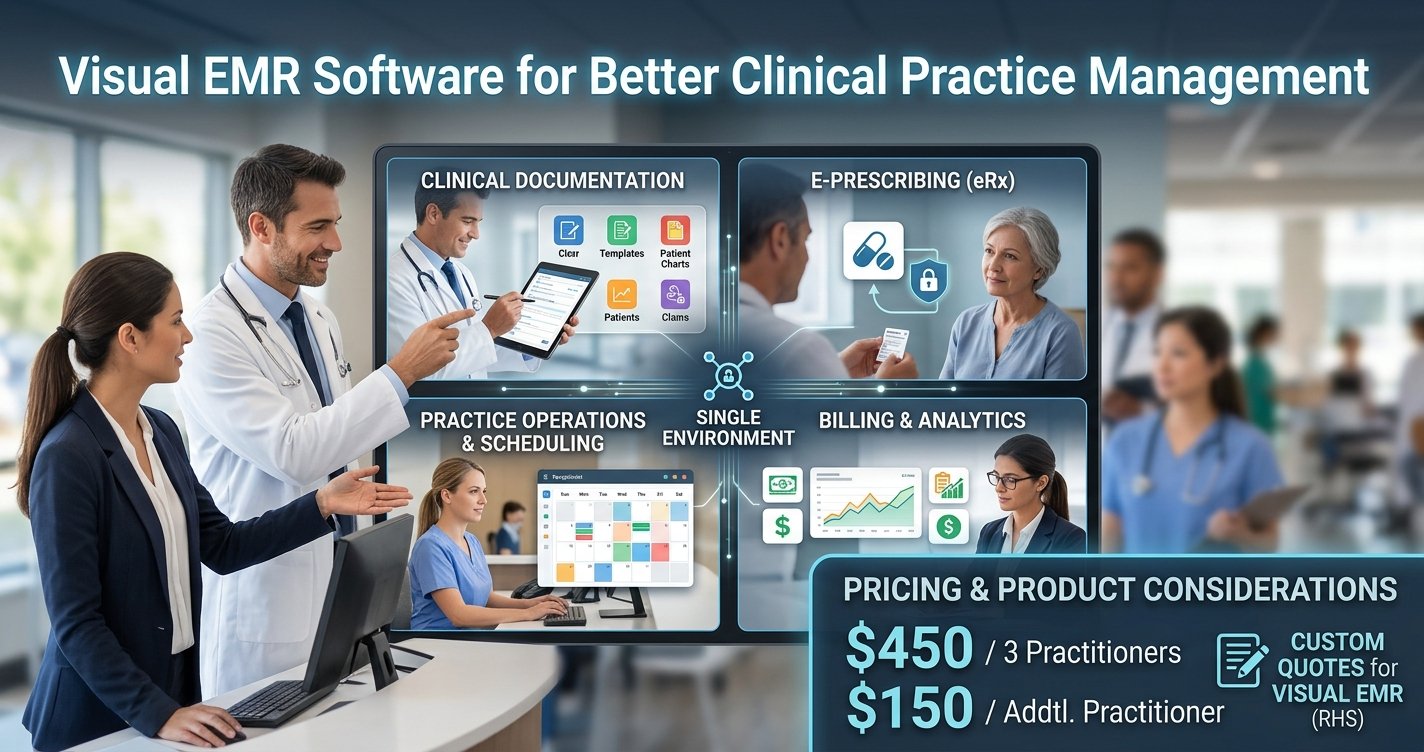
Publicly documented Visual EMR information includes appointment scheduling, e-prescribing, billing, customizable forms, patient portals, reporting, and business-intelligence capabilities.
For healthcare organizations, the value of these functions depends on how they connect with daily work. A scheduling function, for example, is more useful when staff can coordinate appointments without repeatedly moving information between systems. Similarly, customizable forms can help practices adapt documentation to their workflow.
Reliable Health Systems’ VISUAL EMR has a different emphasis. Its official feature information includes census management, MDS assessments, therapy tracking, PDPM analysis, provider panels, reports, custom forms, mobile access, and discharge planning.
Therefore, practices should evaluate features according to their specialty and care setting rather than assuming every product called Visual EMR provides the same capabilities.
How can visual emr support everyday healthcare work?
A well-configured EMR becomes part of the routine rather than another administrative task.
Clinical staff may use the system to document encounters and maintain patient or resident information. Administrative teams may work with appointments, billing, reports, or other operational records. Depending on the version and vendor, patient-facing functionality may also include portals, secure messaging, online payments, or telehealth-related services.
The practical advantage comes from having relevant information available when it is needed. However, implementation quality still matters. Templates, permissions, training, and internal workflows should be configured carefully before a practice depends on the platform.
What should you check during a visual emr demo?
A visual emr software demo should be treated as a workflow test rather than a sales presentation.
Ask the vendor to demonstrate a typical patient journey from registration through documentation and follow-up. Look at how quickly staff can find a record, enter information, review previous documentation, and complete routine administrative work.
It is also worth asking which features are included in the quoted package. A polished demonstration may show capabilities that are not part of every plan.
For organizations comparing several EMR systems, taking notes during each demonstration makes it easier to compare actual workflows instead of relying on memory.
How does visual emr software login work?
The visual emr software login process depends on the specific product and deployment.
For example, a publicly accessible Reliable Health Systems VISUAL EMR login page asks users for a username and password and provides a forgotten-password option.
Organizations should always use the official login address supplied by their vendor or administrator. Staff should not rely on random login pages found through search engines, particularly when the system contains sensitive healthcare information.
Before deployment, administrators should also understand how user accounts, permissions, password recovery, and access controls are managed.
What is known about visual emr software pricing?
Pricing should be verified directly before making a purchasing decision.
A current third-party software listing reports Visual EMR pricing information beginning at $450 for the first three practitioners and $150 for additional practitioners, while also noting that pricing can change.
This should not automatically be treated as a final vendor quotation. The actual visual emr software cost can depend on practice size, modules, implementation requirements, users, support, and other commercial terms.
Instead of asking only for a monthly price, request a complete quote covering setup, recurring subscriptions, training, support, data migration, and any optional components.
Are visual emr software reviews useful before buying?
Reviews can provide useful context, but they should not be the only source used to evaluate an EMR.
One current third-party listing contains two reviews with an overall rating of 3.5 out of 5. The published feedback includes comments about functionality and user experience, while also mentioning a learning curve for some advanced capabilities.
Because a small review sample may not represent every healthcare organization, buyers should compare reviews with a live demonstration and their own requirements.
Is visual emr an EHR system?
EMR and EHR software are related but are not always interchangeable terms.
An EMR primarily refers to a digital medical record maintained within a healthcare provider’s environment. An EHR can involve a broader record designed to support information exchange across healthcare settings.
Public descriptions of Visual EMR include EHR-related functionality, while Reliable Health Systems describes VISUAL specifically as an electronic medical record system.
For buyers, the practical question is whether the software supports the records, workflows, integrations, and information-sharing requirements of the organization.
How can Codatis help with visual emr research?
Choosing healthcare software becomes easier when organizations evaluate products against real operational needs.
Codatis can be used as a starting point for researching EMR and EHR software, comparing available information, and identifying the questions that should be addressed before contacting a vendor.